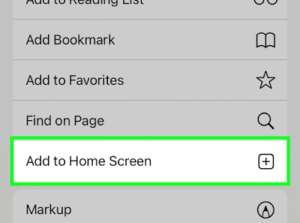
INSTALL THE OFFICIAL PIZZA CHAMPION CUP APP HERE ANDROID Click “Install App” on the pop-up IPHONE 1. Tap the Share icon at the bottom 2. Scroll down in the menu options and tap “Add to Home Screen“. 3. Tap “Add” in the top-right corner to finish.The app will now appear on your Home Screen!